How to log in to the InsideBC Portal
Body
|
1. Go to https://www.bakersfieldcollege.edu/
2. Select Current Students on the top right.

3. You are now viewing the Current Students page.
4. Click on InsideBC.
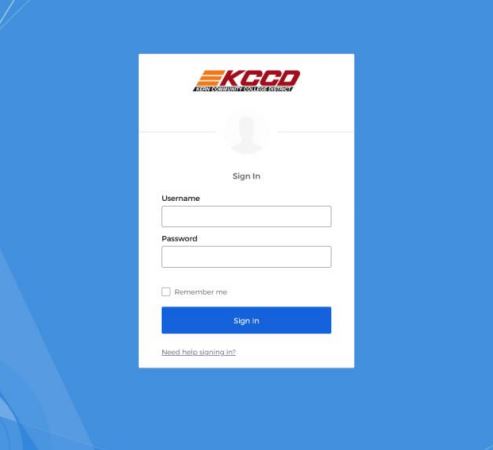
5. Log in with your network credentials.
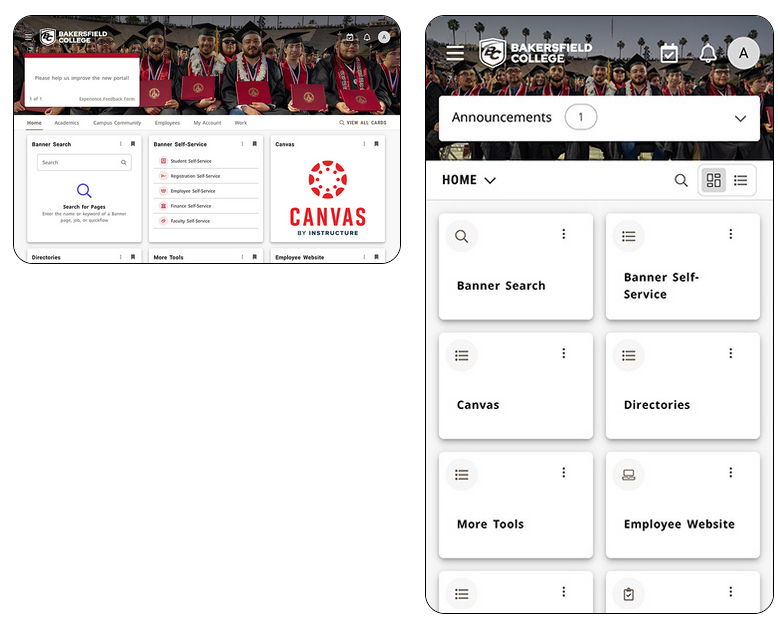
6. You will now see the InsideBC page.
|
Details
Details
Article ID:
2660
Created
Wed 1/21/26 12:30 AM
Modified
Wed 1/21/26 12:42 AM