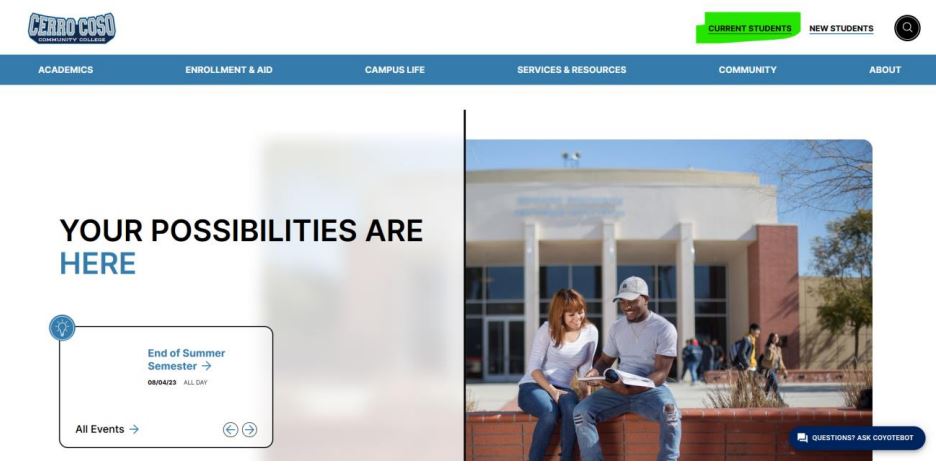
1. Go to https://www.cerrocoso.edu/
2. Select Current Students on the top right.
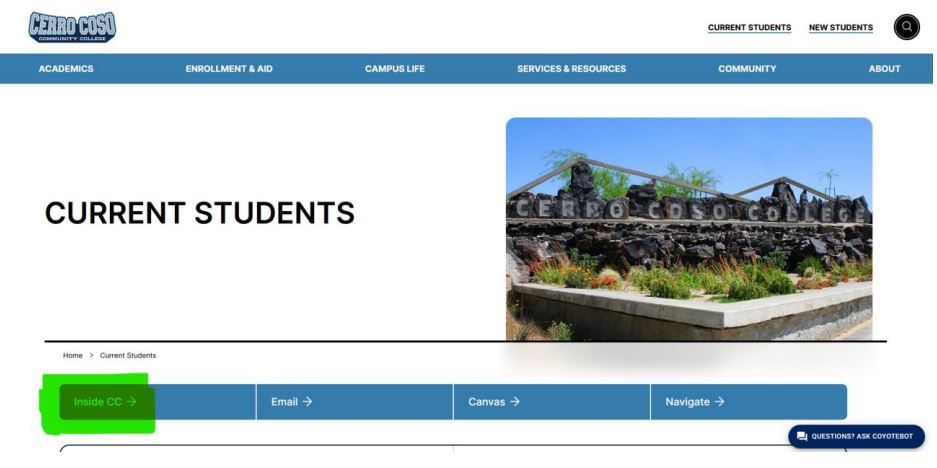
3. You are now viewing the Current Students page.
4. Click on Inside CC.
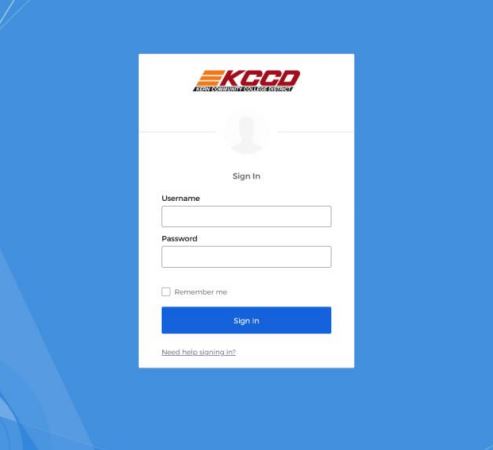
5. Log in with your network credentials.
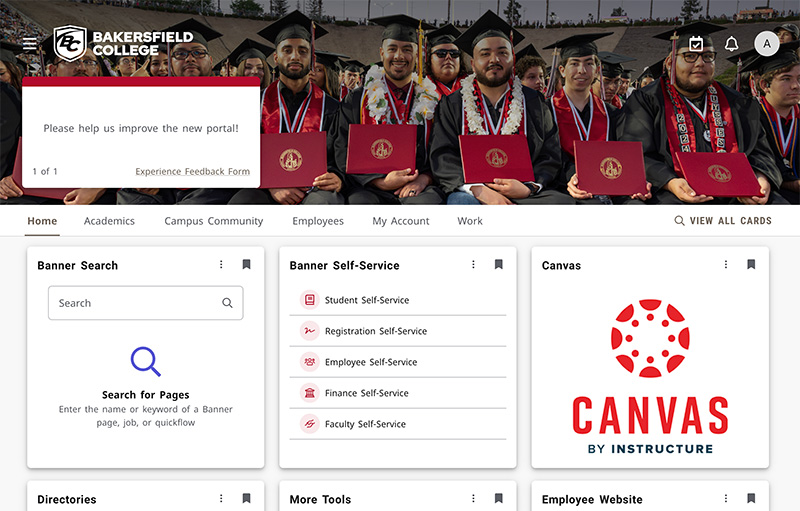
6. You will now see the InsideCC page.