1. Go to https://www.portervillecollege.edu/
2. Select Inside PC on the top right.
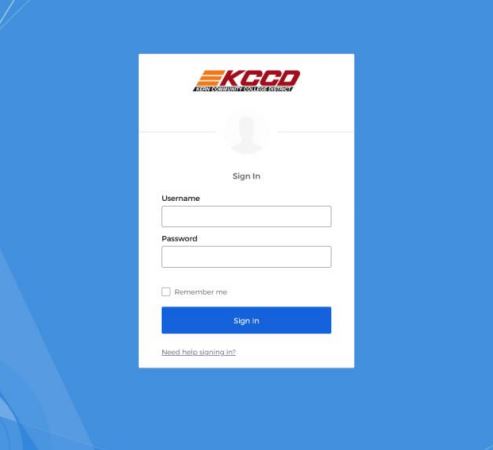
3. Log in with your network credentials.
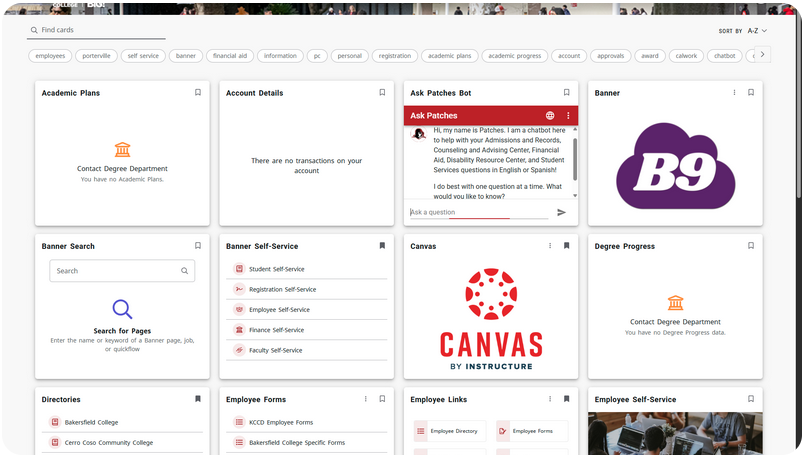
4. You will now see the InsidePC page.